YouTube subtitle downloader online


Step-by-Step Guide on How to Download YouTube Subtitles
Step 1: Install the Chrome Extension
Start by adding the Eightify Chrome extension to your browser. Its your shortcut to nabbing subtitles from any YouTube video with a simple click.

Step 2: Log In with Your Google Account
Next up, log into your Google account through the extension. This lets you grab and share those subtitles without a hitch.

Step 3: Open YouTube
With your account all set, go to YouTube and pick the video you want subtitles for. It could be anything from a how-to clip to the latest news.
Step 4: Click the Summarize Button Under the Video
Find the 'Summarize' button below your chosen video and click it. Eightify will get to work and give you a neat summary and the subtitles you're after.

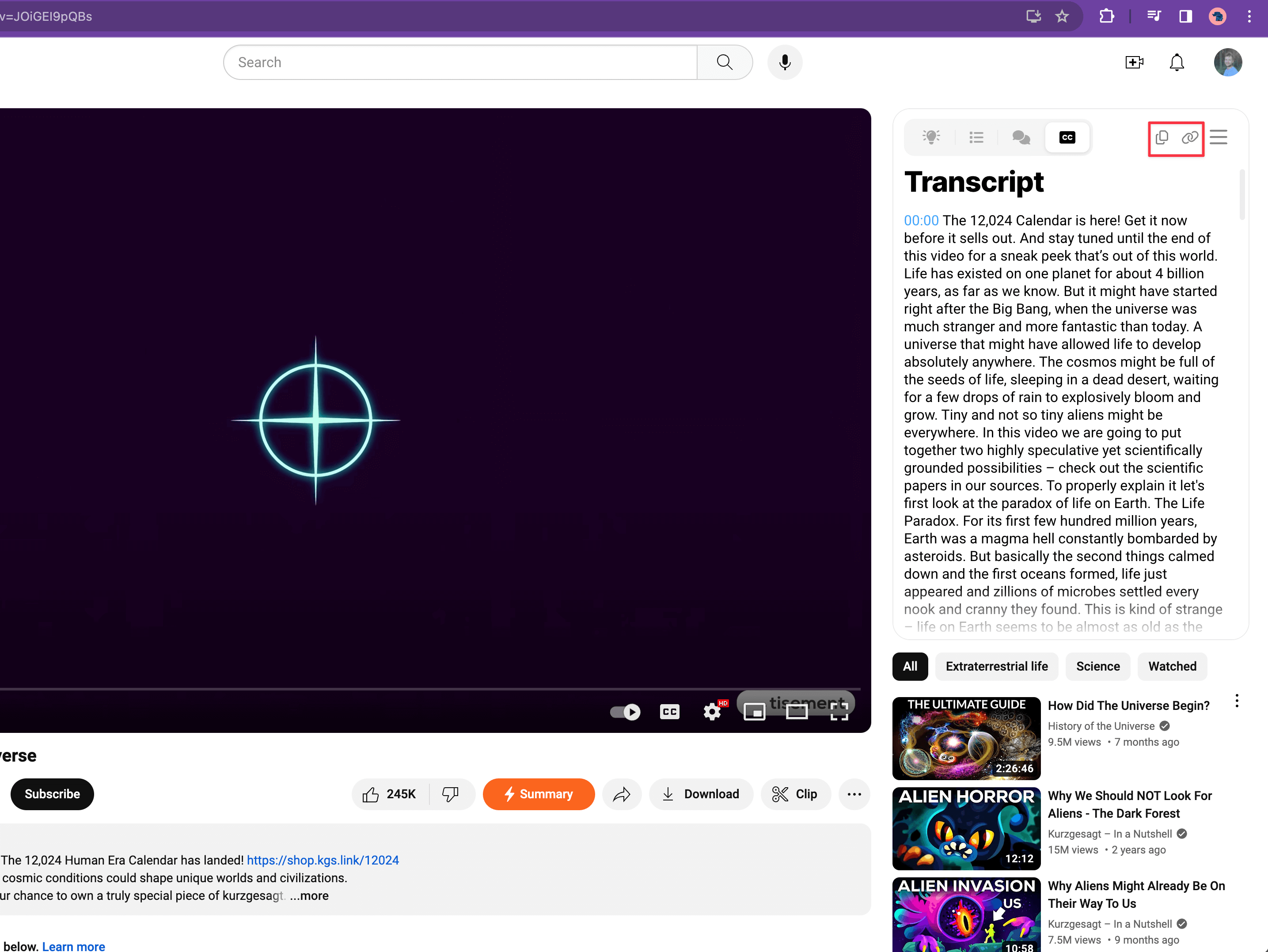
Step 5: Subtitles Will Appear in the Right Column Above Related Videos
After the tool does its magic, you'll see the subtitles in the column to the right of the video, up above where the related videos are listed. You'll get a clear piece of text with the important bits from the video.
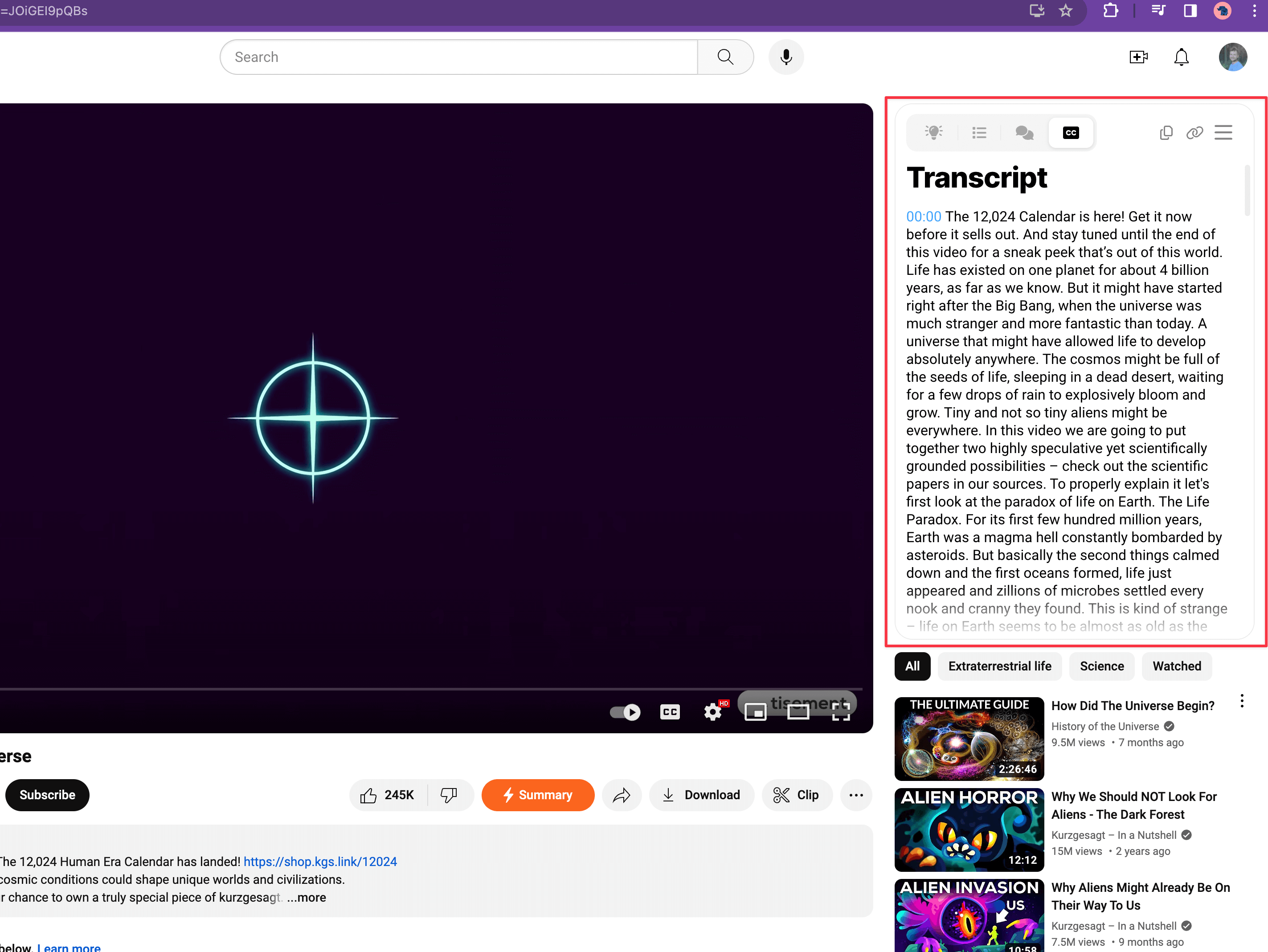
Step 6: Choose Insights/Subtitles with a Toggle
The toggle option lets you switch between just the key points or the full subtitles. It's up to you if you want just the quick highlights or the whole shebang.
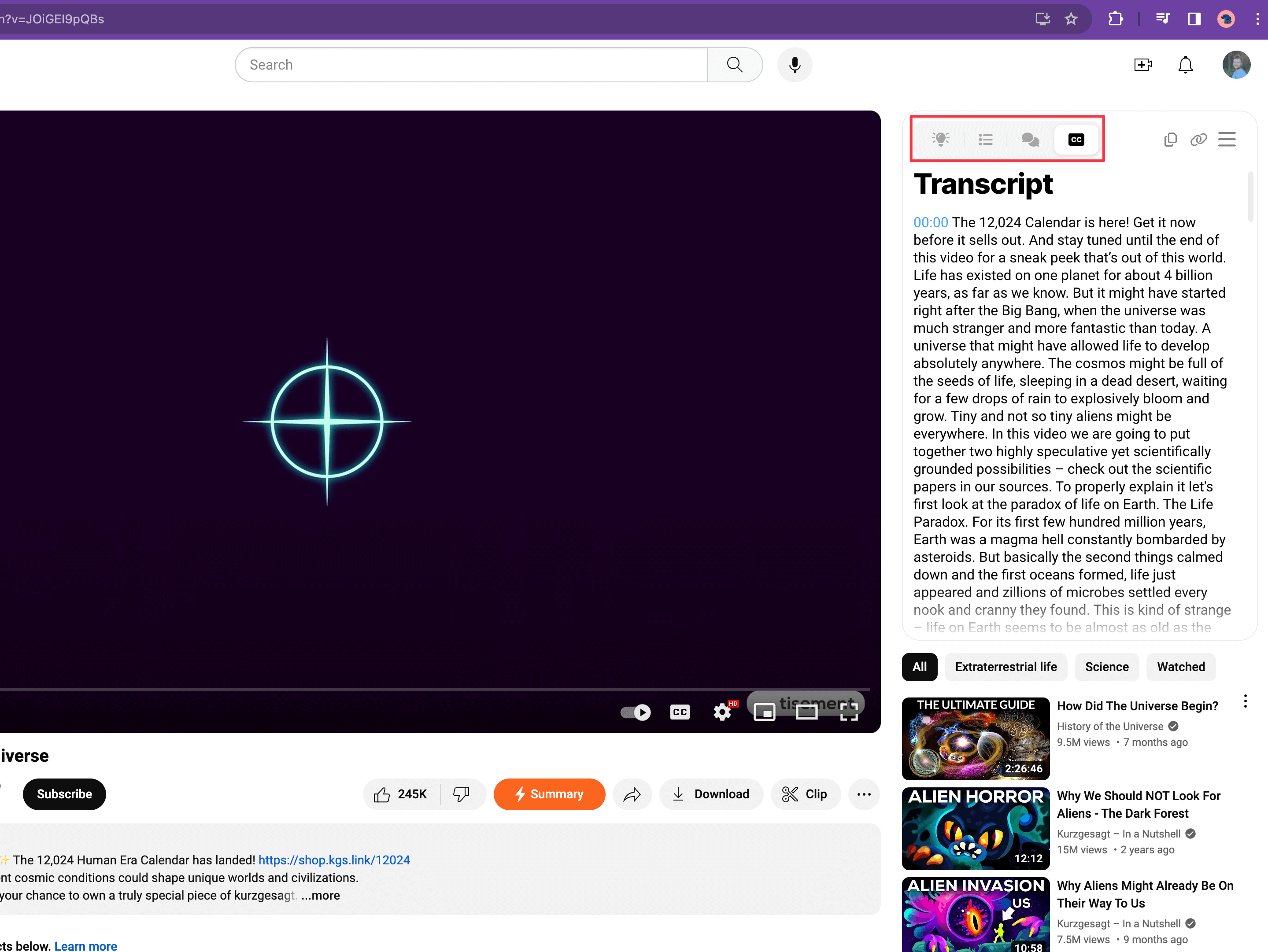
Step 7: Copy or Share the Subtitles
Last step: check out the subtitles right there online. If you like, you can copy them or send them off to someone else. This nifty trick means you can take YouTube subtitles with you and use them offline, too.